You've finished your slides. Now you need to write the script. But how long should it actually be?
Most presenters guess — and they either end up rushing through the last few slides or awkwardly filling dead air. The good news is there's a simple formula that takes the guesswork out completely.
The formula
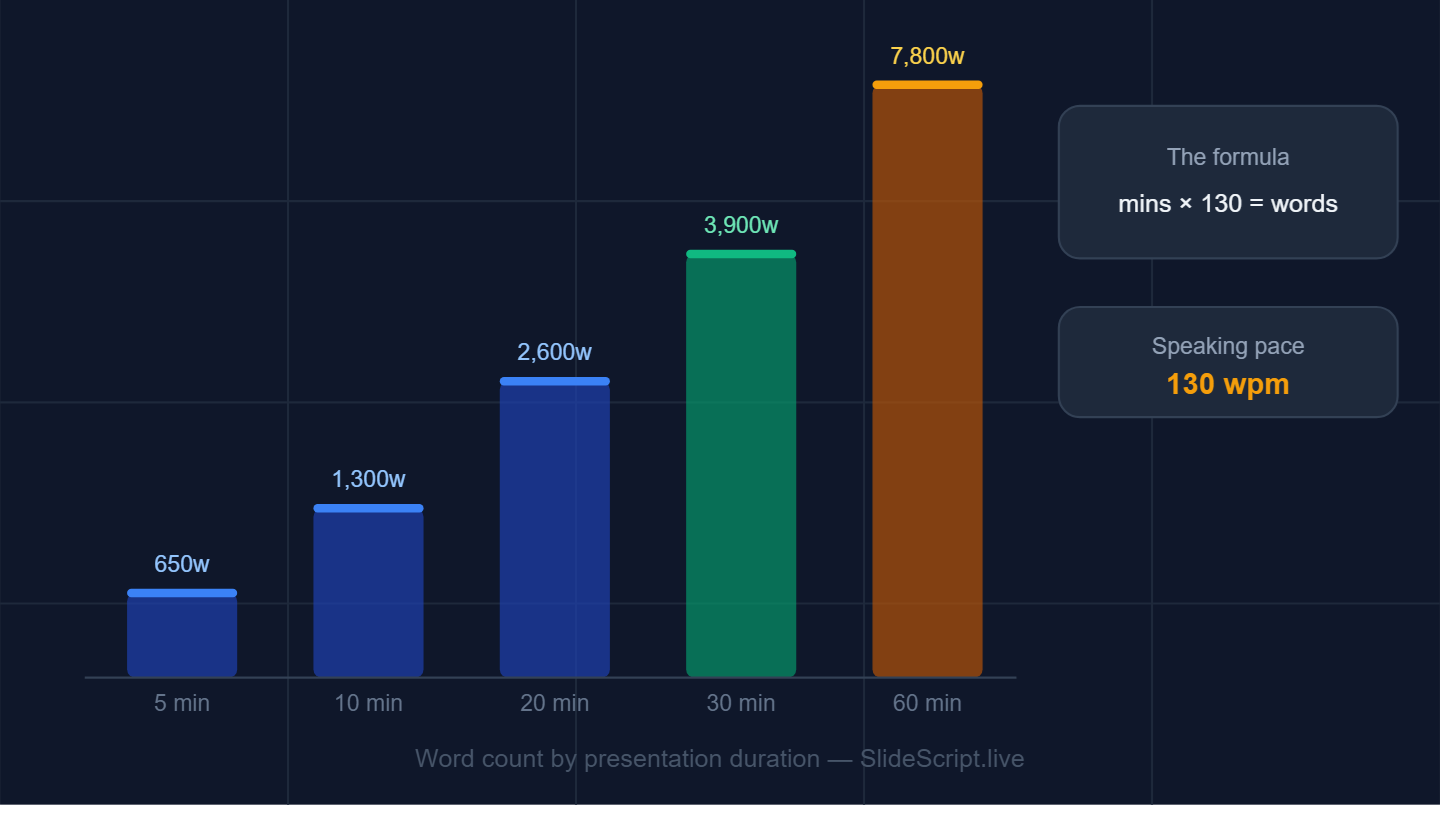
The average person speaks at 130 words per minute during a presentation. That's slower than casual conversation — you pause, you breathe, you let points land.
So the formula is straightforward:
Presentation duration (minutes) × 130 = your target word count
Here's what that looks like in practice:
- 5-minute presentation → 650 words
- 10-minute presentation → 1,300 words
- 15-minute presentation → 1,950 words
- 20-minute presentation → 2,600 words
- 30-minute presentation → 3,900 words
- 60-minute presentation → 7,800 words
These numbers might feel larger than you expect. That's because a complete script includes everything — transitions between slides, pauses written out, context you'd normally improvise on the spot.
How to distribute words across slides
Not every slide deserves equal time. A title slide gets 15 seconds. A complex diagram might get two full minutes. The rule of thumb is to divide your total word count by your number of slides to get your average — then adjust from there.
For example, a 10-minute presentation with 10 slides gives you an average of 130 words per slide. That's roughly one solid paragraph per slide — tight, but enough to make a clear point.
Slides that need more time:
- Your main argument or key data slide
- Any slide where you're asking the audience to make a decision
- Complex diagrams or frameworks
Slides that need less time:
- Title and agenda slides
- Transition slides ("Let's move on to...")
- Summary slides where you're just recapping
Why pacing matters more than word count
The 130 words-per-minute figure assumes a measured, confident delivery pace. But nerves speed you up. Rehearsal slows you down. First-time presenters often speak 20–30% faster than they think they do.
The safest approach: write to your target word count, then time yourself reading it aloud. If you finish in 80% of your allotted time, that's your buffer for questions, pauses, and the unexpected.
What about Q&A?
If your session includes Q&A, subtract that from your total. A 30-minute slot with 10 minutes of Q&A means you're writing a 20-minute script — 2,600 words, not 3,900.
Always clarify with your event organiser: is the time slot for presentation only, or does it include Q&A? Getting this wrong is one of the most common causes of running over.
The fastest way to hit your word count
Writing a complete word-for-word script for every slide is time-consuming. You have to balance depth, transitions, timing, and natural-sounding language — all at once.
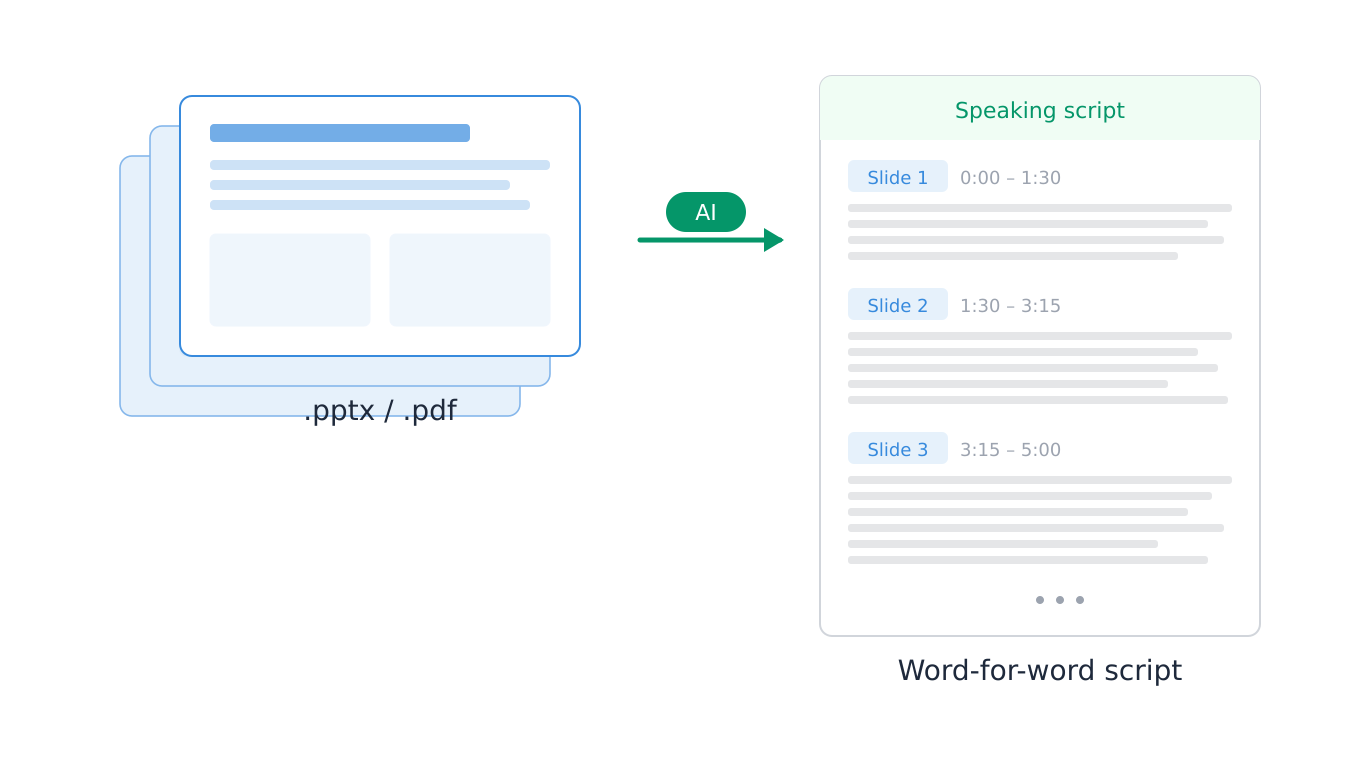
That's exactly what SlideScript is built for. Upload your slide deck, set your presentation duration, and SlideScript generates a timed, word-for-word speaking script that hits your target word count automatically — slide by slide.
Try it free — no sign-in required.